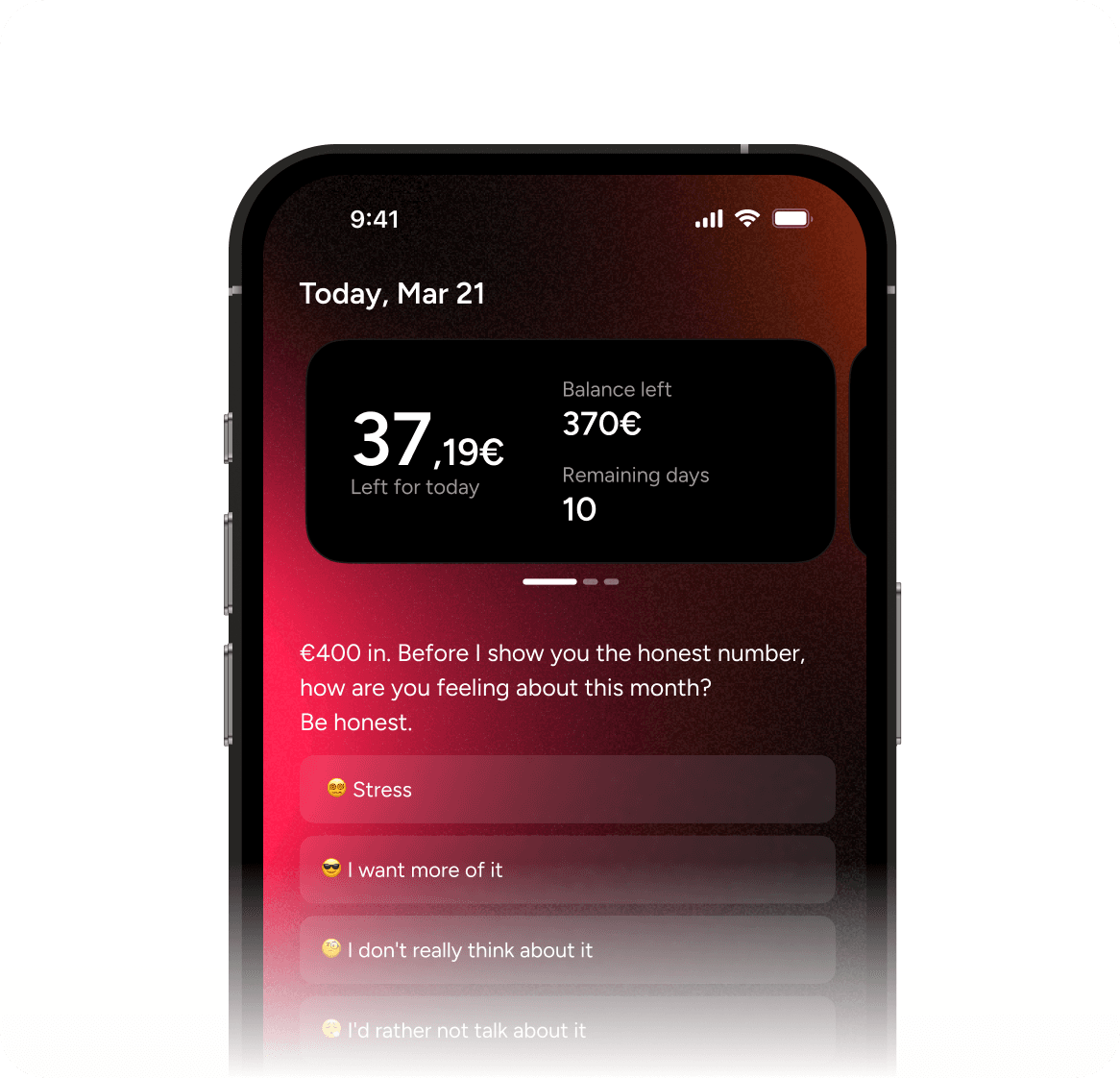
Category Limit
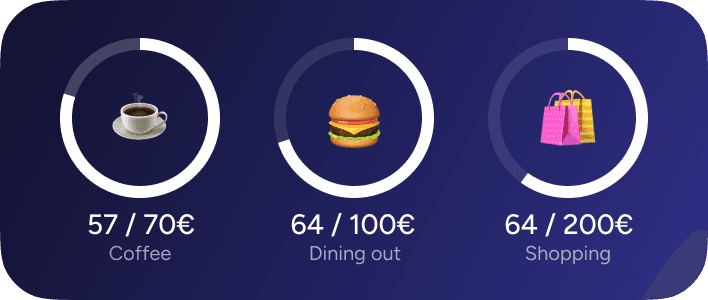
How it works:
Category Limit lets you draw a line in the sand for any single spending category. Coffee: €70 per month. Dining out: €100. Shopping: €200. Whatever the category, whatever the number — you set it, and Kinta tracks every transaction against it automatically.
As you spend, the widget fills up in real time. You'll always see two numbers: what you've spent so far, and what's left. At €57 out of €70 on coffee, you know you've got €13 left for the rest of the month. That clarity changes behavior in a way that vague "I should spend less on coffee" intentions never do.
You can set limits on as many categories as you want — or just one. Maybe you only care about restaurants. Maybe you need guardrails on three categories. Each one runs independently, each one tracks automatically, and each one gives you that clean, real-time view of exactly where you are against the line you drew.
Why people love it:
Because it's the closest thing to a personal rule that actually enforces itself. Most people know which categories drain their budget — they just don't have a mechanism to stop it in the moment. Category Limit provides that mechanism without being annoying or restrictive. It doesn't block you from spending. It just makes the cost of that next coffee impossible to ignore when you can see €3 remaining in the budget.
The specificity is the key. Broad budgets fail because they're too abstract. "Spend less this month" means nothing. "€70 on coffee, and you're at €64" means everything.
Perfect for:
People who know exactly which category is killing their budget but haven't been able to control it. Anyone who wants to set a hard limit on dining out, coffee, entertainment, or shopping without budgeting their entire life. People who respond better to specific numbers than general advice.